Submitting Volunteer Case Notes
Access the COVEY Volunteer Portal using your phone, laptop or tablet. You can type the link into your browser bar. We will also give you a card with this link on it.
https://www.covey.org.uk/volunteerportal
Select the 'My Digital Paperwork' button.
You'll see the Session/Case Note tile. Select the 'Complete' button underneath.
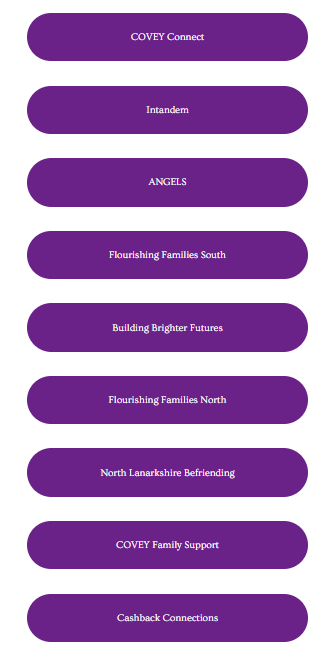
Choose the project that you're volunteering within from the list that appears.
Answer the questions in the form and select 'submit' at the bottom.