Digital Updates
All volunteers should now be submitting a form after every session with the person/people they are supporting.
This replaces the Record of Contact.
Where a volunteer is supporting within a group, they should be assigned a person/people at the beginning of the session to write the notes about.
All volunteers have now received the information they need and the option to sign up for a bit of extra support.
When a volunteer submits their notes, all relevant staff members will see these notes in their designated case note inbox (to the left of your email screen). You can review these and edit if needed, then copy/paste into the quick notes section of the participant’s Salesforce Record.
There is a new way to log your safeguarding concerns.
This is done through the staff portal (the same place you access all other forms, like consents).
Once you’ve submitted it, you can revisit the details and add any updates through the database, which was sent to your email.
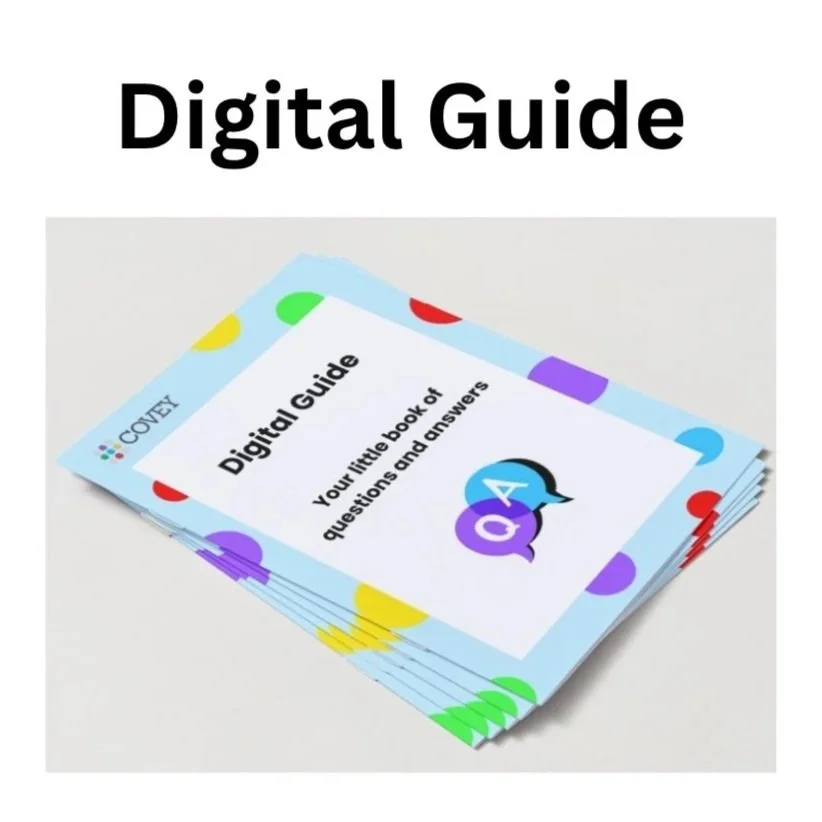
A new Digital Guide booklet was given out at Team Time and is available from the office.
This has helpful hints and reminders on these new processes as well as everything else that has been put in place across the last year. Please help yourself!
Service Managers
Service Managers can now access all the databases linked to participant Evaluations and Risk Assessments to help with tracking and time frames.
The link to these databases has been sent to Service Managers.